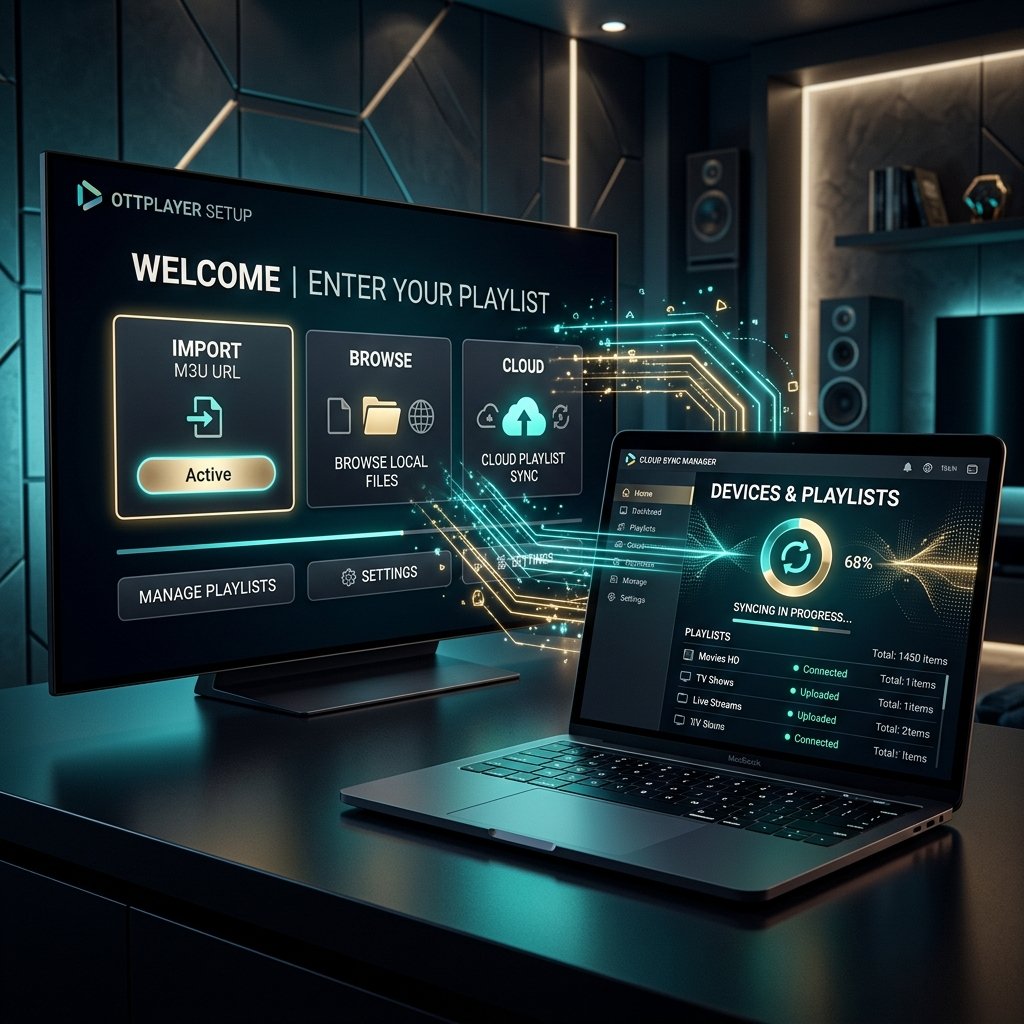
OTTPlayer is a free cross-platform IPTV player that syncs one playlist across all your devices — Samsung and LG Smart TV, Android, iOS and Windows. You manage everything from your OTTPlayer account online. Here's the full setup with LuckyStreaming.
Step 1 — Create an OTTPlayer account
Register a free account at ottplayer.es (or inside the app). This account is what syncs your playlist to every device you sign in on.
Step 2 — Install the app and link your device
- 1Install OTTPlayer on your Smart TV, phone or PC.
- 2Open it and note the device name it displays.
- 3In your OTTPlayer account online, add that device under 'Devices'.
Step 3 — Upload your playlist
In your account go to Playlists → Add, name it, and paste your LuckyStreaming M3U URL. Assign the playlist to your linked device and save.
Step 4 — Add the EPG guide
OTTPlayer pulls the EPG from your playlist automatically on supported channels; if the guide is empty, re-save the playlist and reload the app.
Tip: send your OTTPlayer device name to our WhatsApp and we'll load the playlist for you — no computer needed.
Troubleshooting
Device not showing online? Make sure the exact device name is linked to your account. Playlist not syncing? Re-save the M3U and reopen the app — large lists take a minute. For our full illustrated walkthrough, see the OTTPlayer setup guide.